
01
Scan the network
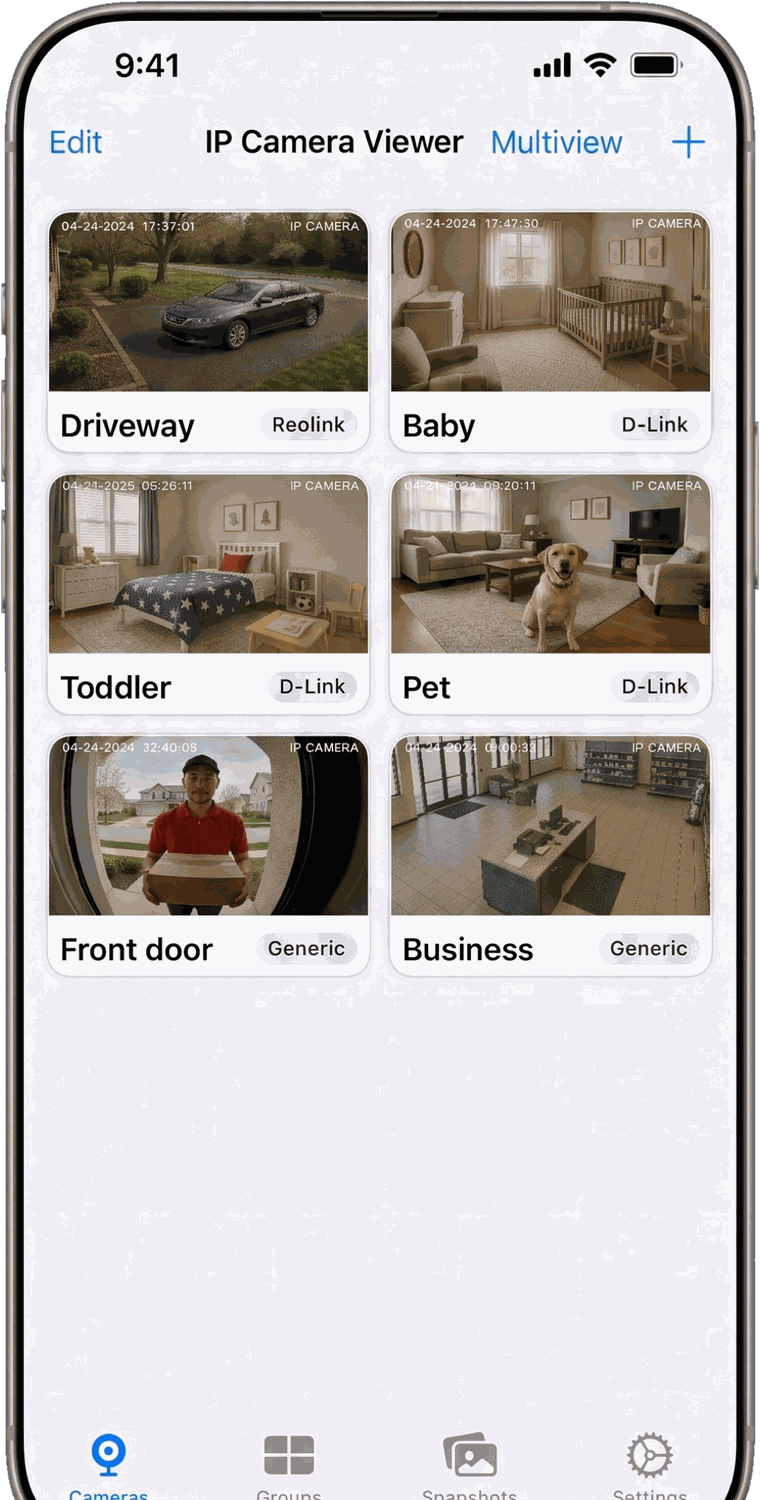
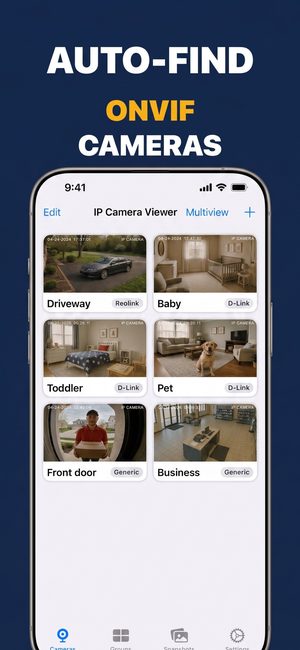
The app looks for ONVIF cameras on your Wi-Fi and lists what it finds, including cameras behind HTTPS-only or password-protected ONVIF services. Nothing leaves your network.
 IP Camera Viewer & Monitor
Connect straight to the cameras already on your network — Reolink, Hikvision, Dahua, Tapo, Amcrest and hundreds more. No cloud account, no bridge box, and your first camera is free.
Scan to download
Compatibility
If a camera speaks RTSP or ONVIF, it works here. These are the stream paths for the models people ask about most — tap a camera for the full setup.
How it works
01
The app looks for ONVIF cameras on your Wi-Fi and lists what it finds, including cameras behind HTTPS-only or password-protected ONVIF services. Nothing leaves your network.
02
Cameras that hide from discovery — most Tapo and Wyze models — go in by RTSP URL. Paste the stream address, add the credentials, done.
03
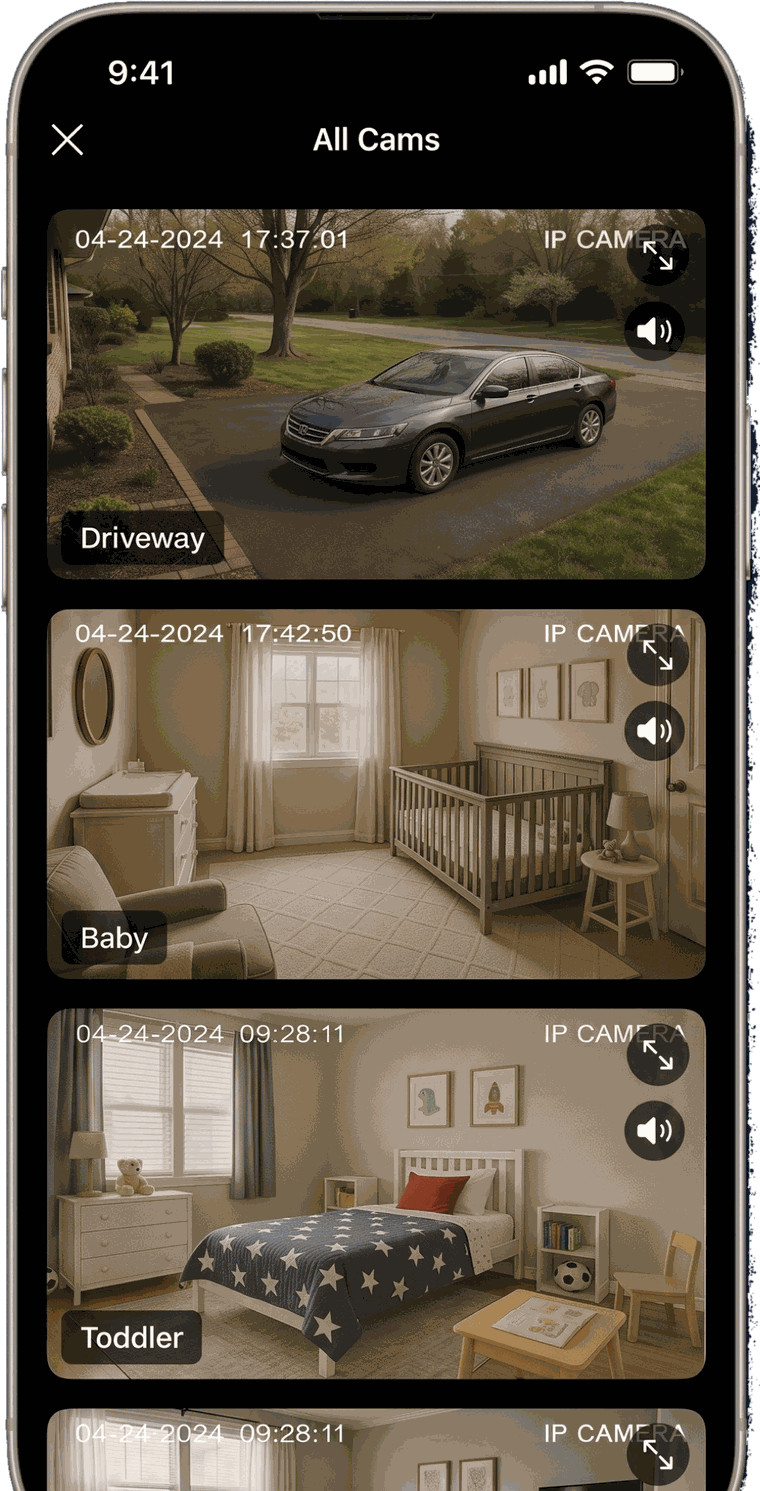
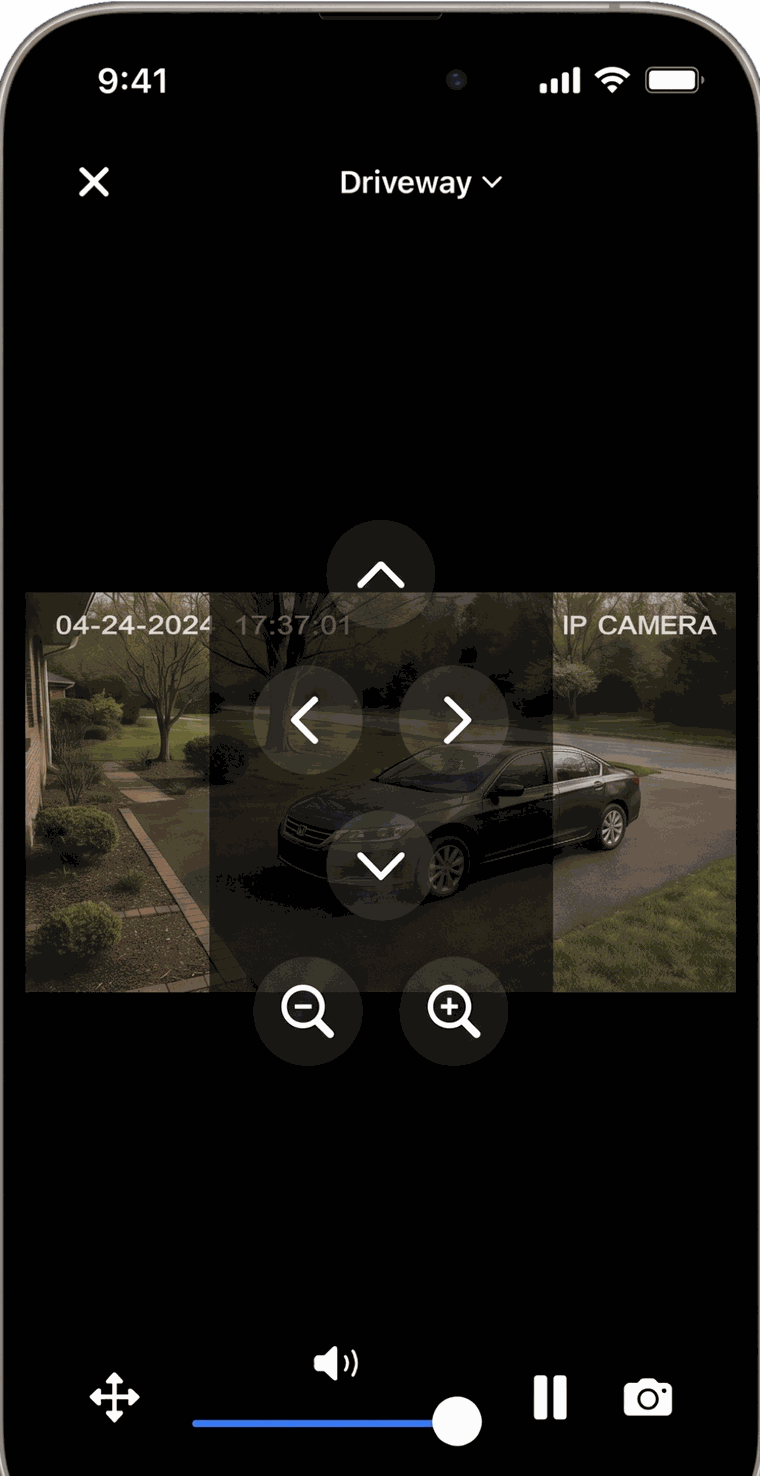
Group cameras by room, open a multi-camera grid, pan and tilt supported models, listen in, and save a snapshot when something matters.
Capabilities
Finds compatible cameras on the local network without typing a single address.
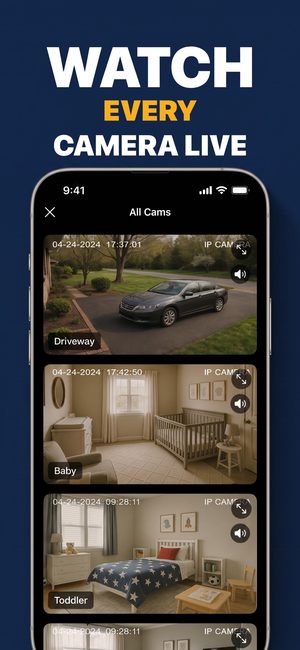
Several live feeds at once, grouped by room or by purpose.
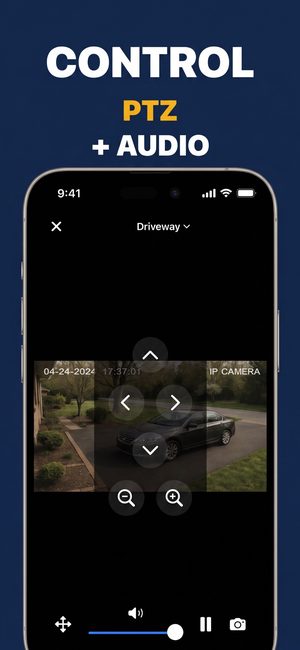
Pan, tilt and zoom on cameras that support it, straight from the live view.
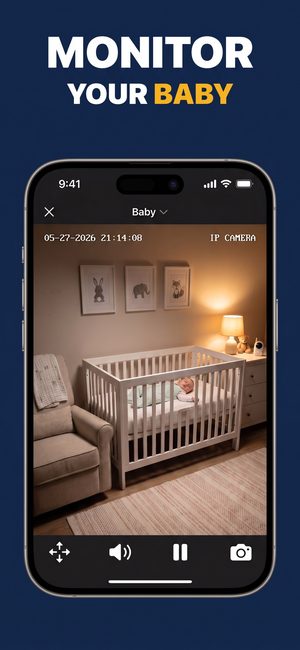
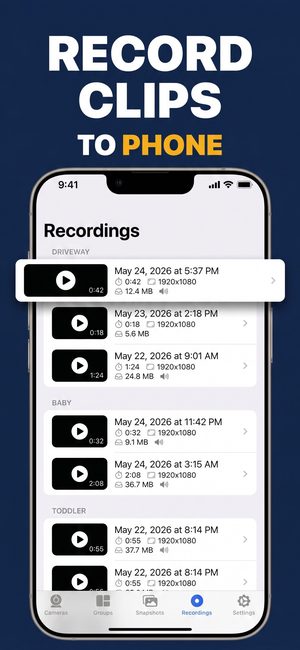
Capture a still or record what you are watching, then share it.
Listen to one camera at a time, or mute the whole grid.
Keep the camera list and saved credentials behind device authentication.
Privacy
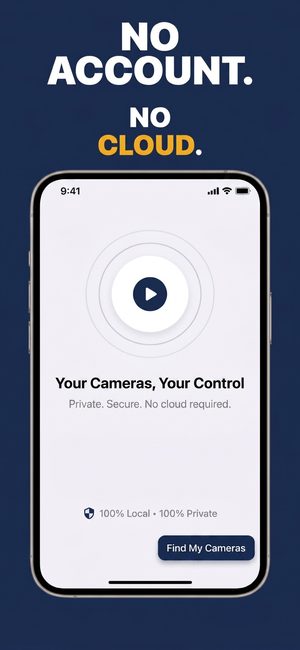
Streams travel from the camera to your phone and stop there. There is no server in the middle, because there is no server.
Video is decoded on your device from a direct local connection.
Nothing to sign up for. No email, no phone number, no profile.
The app ships no third-party analytics and collects no personal data.
On the same Wi-Fi as your cameras, no internet connection is needed at all.
In the store
Setup guides
Step-by-step pages for the protocols and situations that come up most.
How an RTSP address is built, the paths the big brands use, and what each connection error means.
Read the guideHow ONVIF finds cameras, why logins fail, and the ONVIF ports and paths for ten brands.
Read the guideThe order of steps that avoids the usual dead ends, finding the camera's address, and viewing away from…
Read the guideGrid layouts, sub-streams for smooth tiles, and an always-on wall display with Guided Access.
Read the guideFree to download on iPhone, iPad and Android. Nothing to configure before you start.
We will text you a one-time download link.